
Ani Video · 2.1 β
From a picture to a clip
Send a picture, describe an action and choose your settings. Start with the basics and open a guide when you need more control.
New 2.1 features are in beta. Check availability and the final price in the order panel.
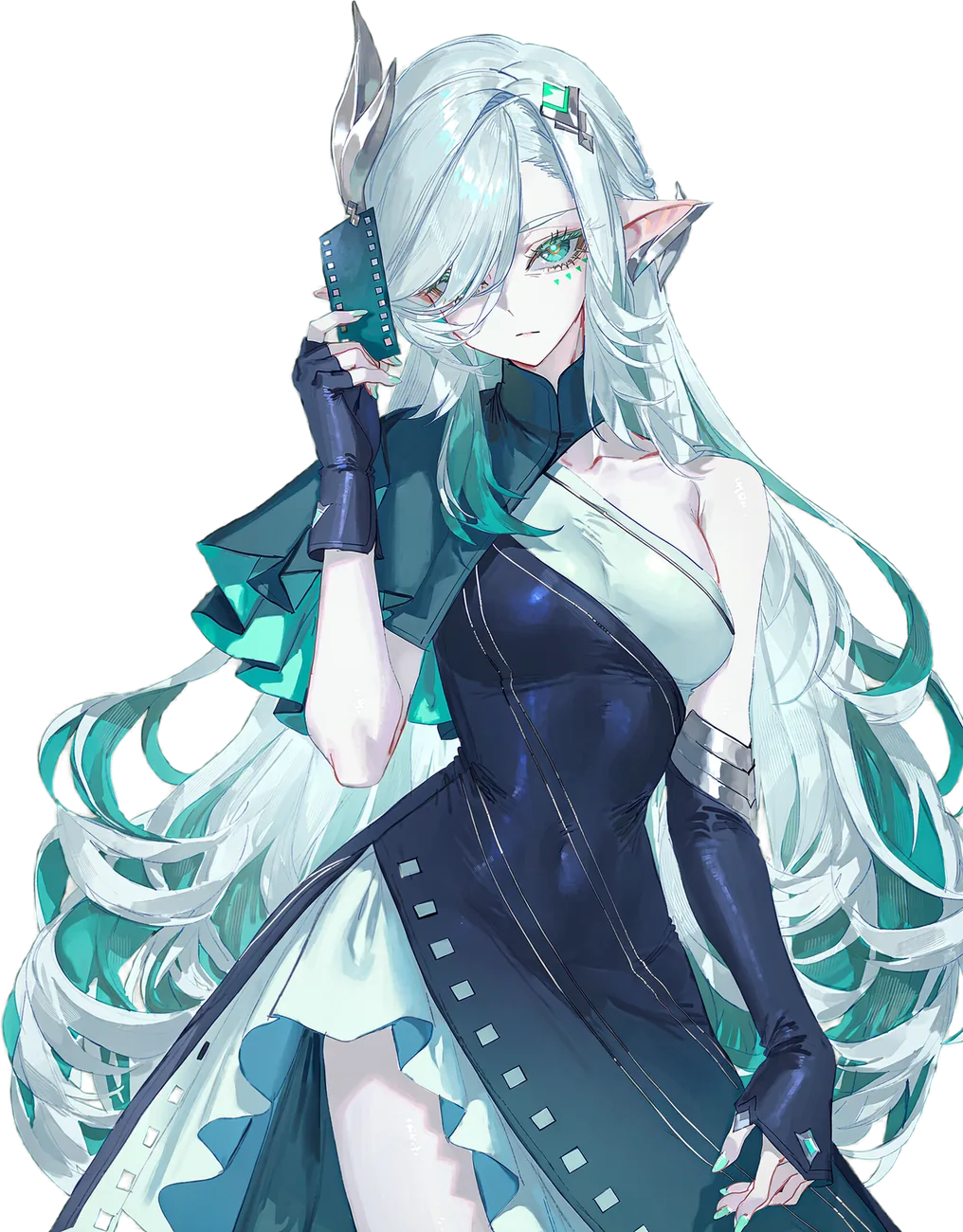
Your first clip in three steps
1. Picture and ideaSend a picture with
/v and a short action description.2. SettingsKeep MP on, choose a duration and check the price.
3. Finished clipTap Generate. Open the prompt or repeat the order under the result.
How to order
Everything you set in the order itself, from the command to the price.
How to write prompts
So the model understands what happens in the frame.